> ## Documentation Index
> Fetch the complete documentation index at: https://docs.aisync.link/llms.txt
> Use this file to discover all available pages before exploring further.
# Stripe Setup
Before you can create and sell packages to your customers, you need to connect and verify your Stripe account. Follow these steps for a successful setup.
## 🚩 First-Time Setup
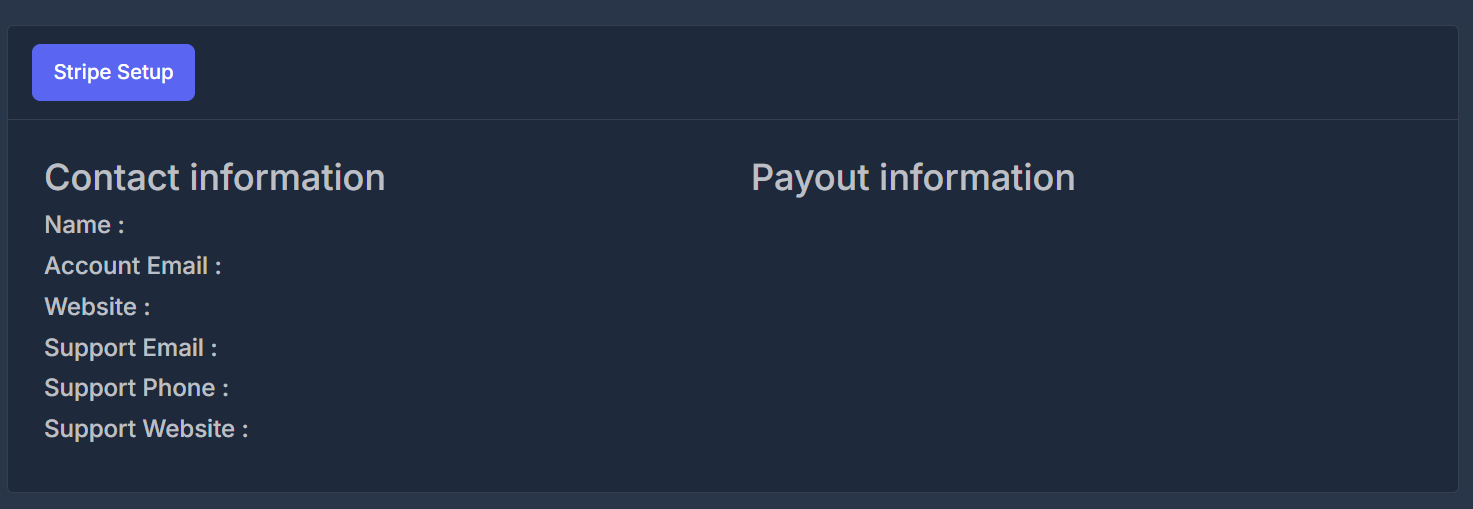
1. Click the **"Stripe Setup"** button on the dashboard.
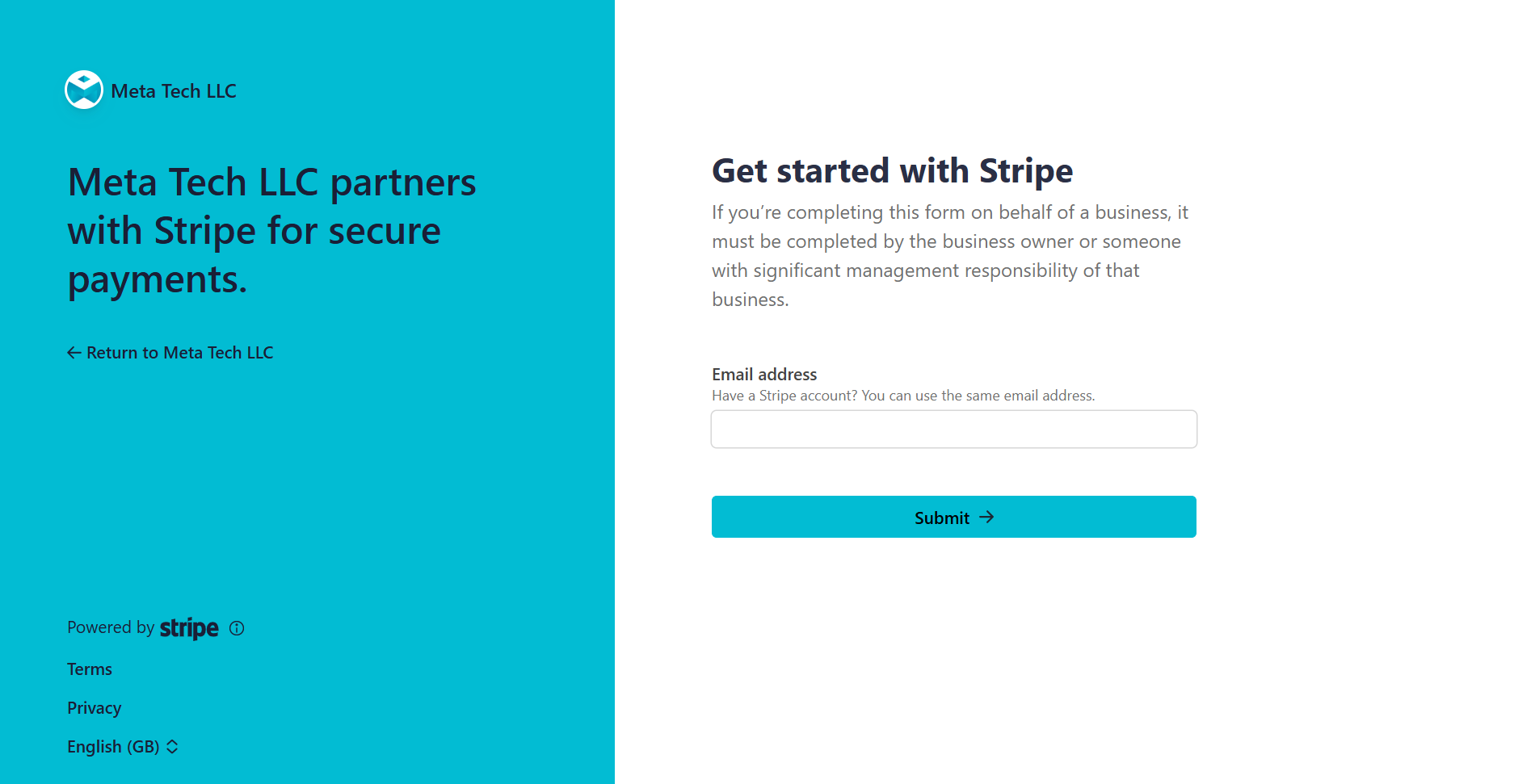
2. Complete the Stripe onboarding process in the secure Stripe window.
3. Verify your contact and payout information as shown after onboarding.
 ***
## ⚡ Stripe Integration Process
### Setting Up Stripe
1. **Click "Stripe Setup":**\
Access this button from your main AI Sync dashboard.
2. **Complete Onboarding:**\
Fill out required details on Stripe's secure page, which typically includes:
* Business information (company name, address, tax ID)
* Bank account details (account, routing number)
* Identity verification (owner details, government ID)
3. **Verify Status:**\
Once completed, the AI Sync system will display:
* Your contact information
* Your payout/bank information
* Account status (active/inactive)
***
***
## ⚡ Stripe Integration Process
### Setting Up Stripe
1. **Click "Stripe Setup":**\
Access this button from your main AI Sync dashboard.
2. **Complete Onboarding:**\
Fill out required details on Stripe's secure page, which typically includes:
* Business information (company name, address, tax ID)
* Bank account details (account, routing number)
* Identity verification (owner details, government ID)
3. **Verify Status:**\
Once completed, the AI Sync system will display:
* Your contact information
* Your payout/bank information
* Account status (active/inactive)
***
 ## 📋 Stripe Information Display
Once you’ve connected your account, the integration panel will show up-to-date Stripe information:
* **Contact Information:**\
Displays your registered name, email, website, and support contact.
* **Payout Information:**\
Displays your bank account details (masked), routing number, and currency.
* **Account Status:**\
Shows whether your Stripe account is Active, Inactive, Pending, or requires further action.
***
> **Need help?** If you have issues with onboarding or verification, please contact support or consult the Stripe documentation.
Ready to enable payments? Use the **"Stripe Setup"** button on your dashboard now!
## 📋 Stripe Information Display
Once you’ve connected your account, the integration panel will show up-to-date Stripe information:
* **Contact Information:**\
Displays your registered name, email, website, and support contact.
* **Payout Information:**\
Displays your bank account details (masked), routing number, and currency.
* **Account Status:**\
Shows whether your Stripe account is Active, Inactive, Pending, or requires further action.
***
> **Need help?** If you have issues with onboarding or verification, please contact support or consult the Stripe documentation.
Ready to enable payments? Use the **"Stripe Setup"** button on your dashboard now!