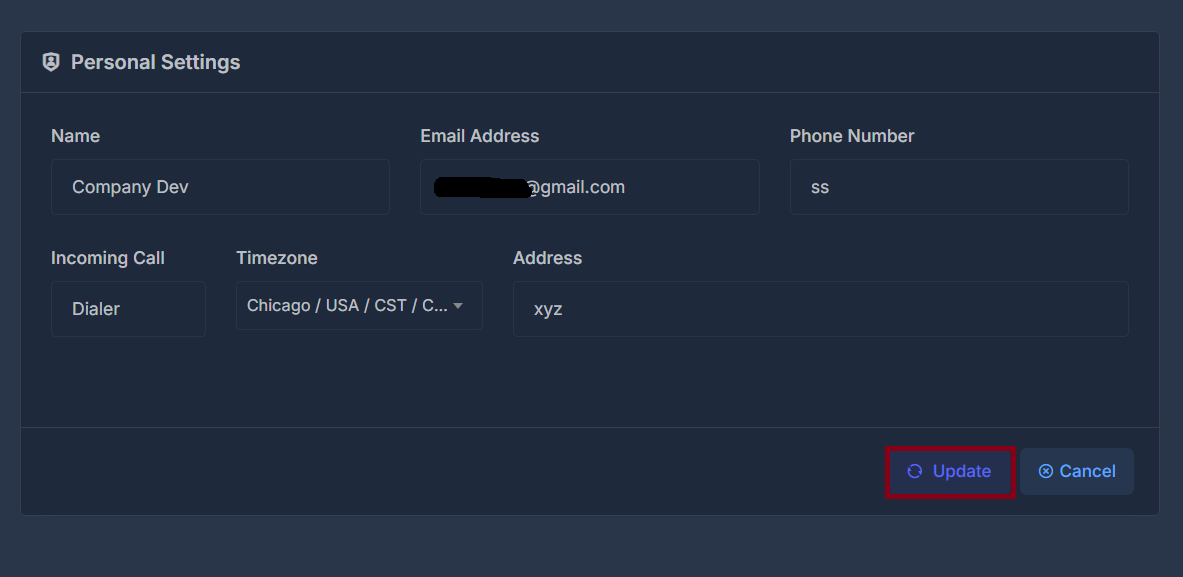
👤 Profile Information#
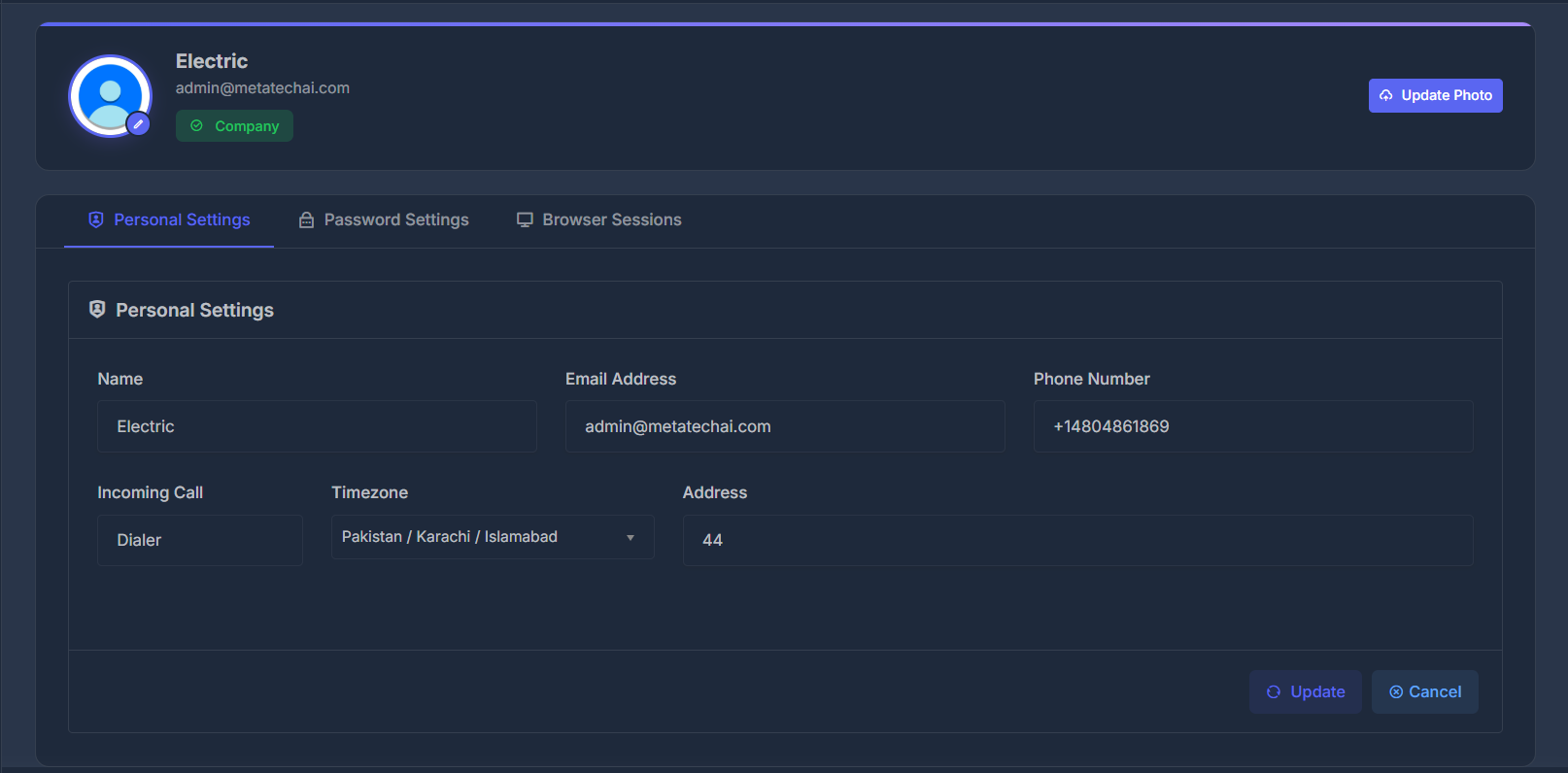
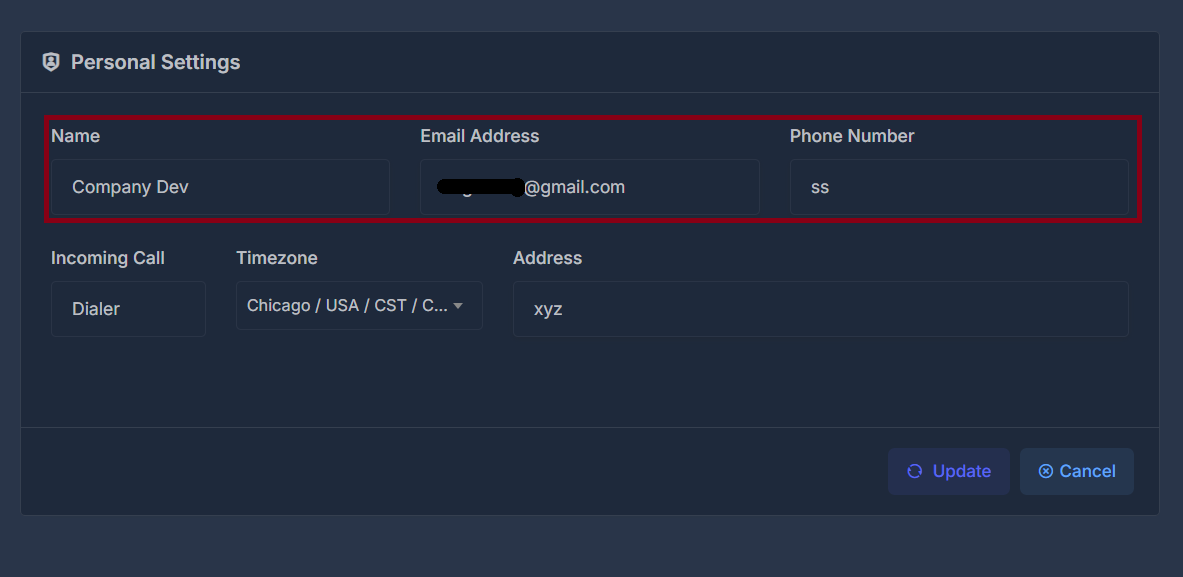
📝 Name#
Your display name that appears throughout the platform. This is how other users and system notifications will identify you.
📧 Email Address#
Your primary email address used for:
- Account login
- System notifications
- Password recovery
- Important account communications
📱 Phone Number#
Your contact phone number for account-related communications and verification purposes.
📞 Communication Preferences#
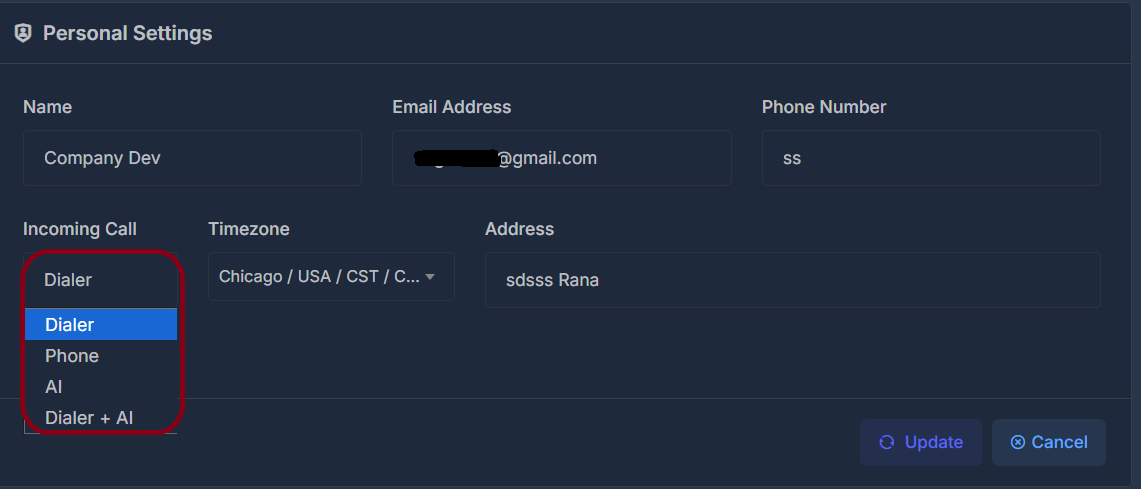
☎️ Incoming Call Settings#
Configure how you want to handle incoming calls with the following options:
- Dialer: Handle calls through the platform's dialer interface
- Phone: Receive calls directly on your phone
- AI: Use AI assistance for call handling
- Dialer + AI: Combine dialer functionality with AI assistance
🌍 Location & Time Settings#
🕒 Timezone#
Set your local timezone to ensure:
- Accurate call scheduling
- Proper timestamp display
- Correct business hours alignment
Example: Chicago / USA / CST
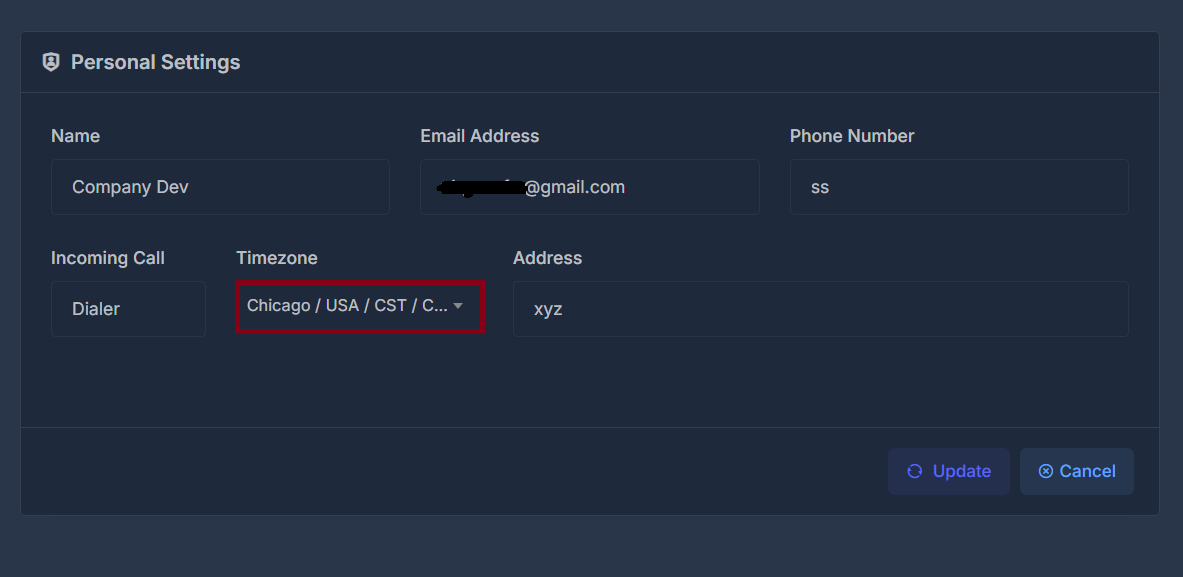
🔄 Updating Your Settings#
- Navigate to Settings > Personal Settings
- Modify any of the available fields
- Click the Update button to save your changes
- Use Cancel to discard any unsaved changes