AI Memory keeps one short profile of each person, built from every text, email, call and team note:
  • who they are and where things stand;
  • what they want;
  • their concerns;
  • the agreed next step;
  • facts they told you (budget, timeline, preferences).
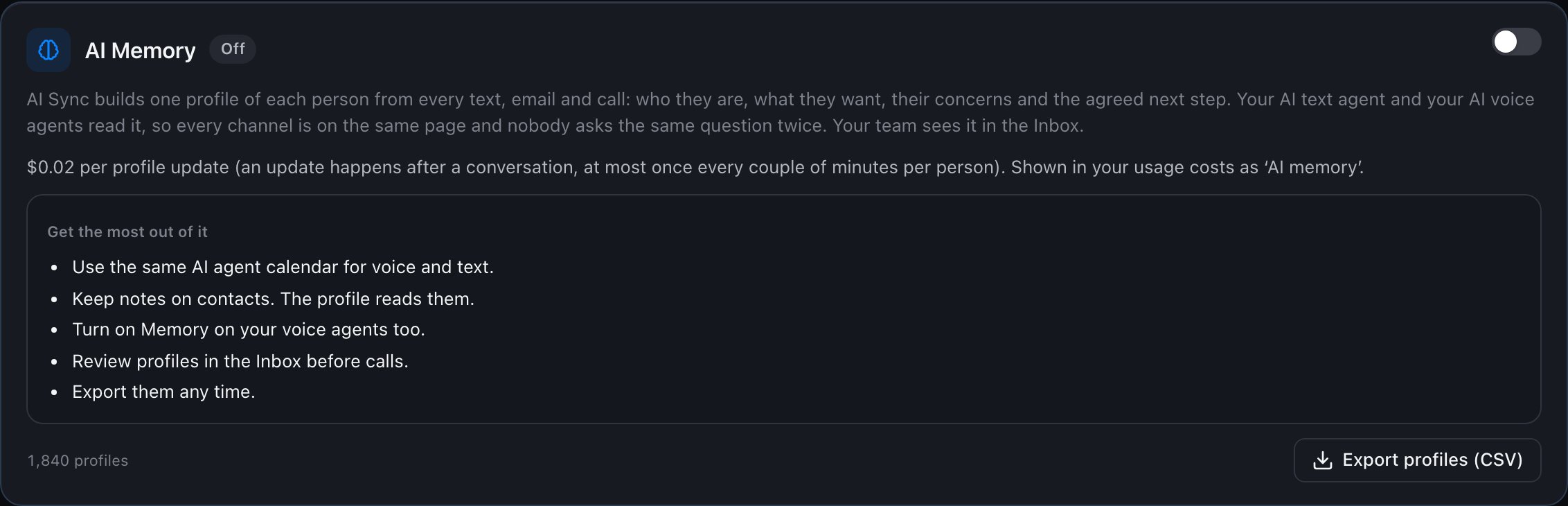
Your AI text agent reads it before every reply, your AI voice agents receive it when a call starts, and your team sees it in the Inbox under the contact. Nobody asks the same question twice. It is off until an account owner or admin turns it on. AI Memory

Turn it on

1

Open AI Texting

In the dialer or the main menu, open AI Texting and find AI Memory.
2

Switch it on

Read what it does and the price, tick I understand, and click Turn on.Turn on AI Memory
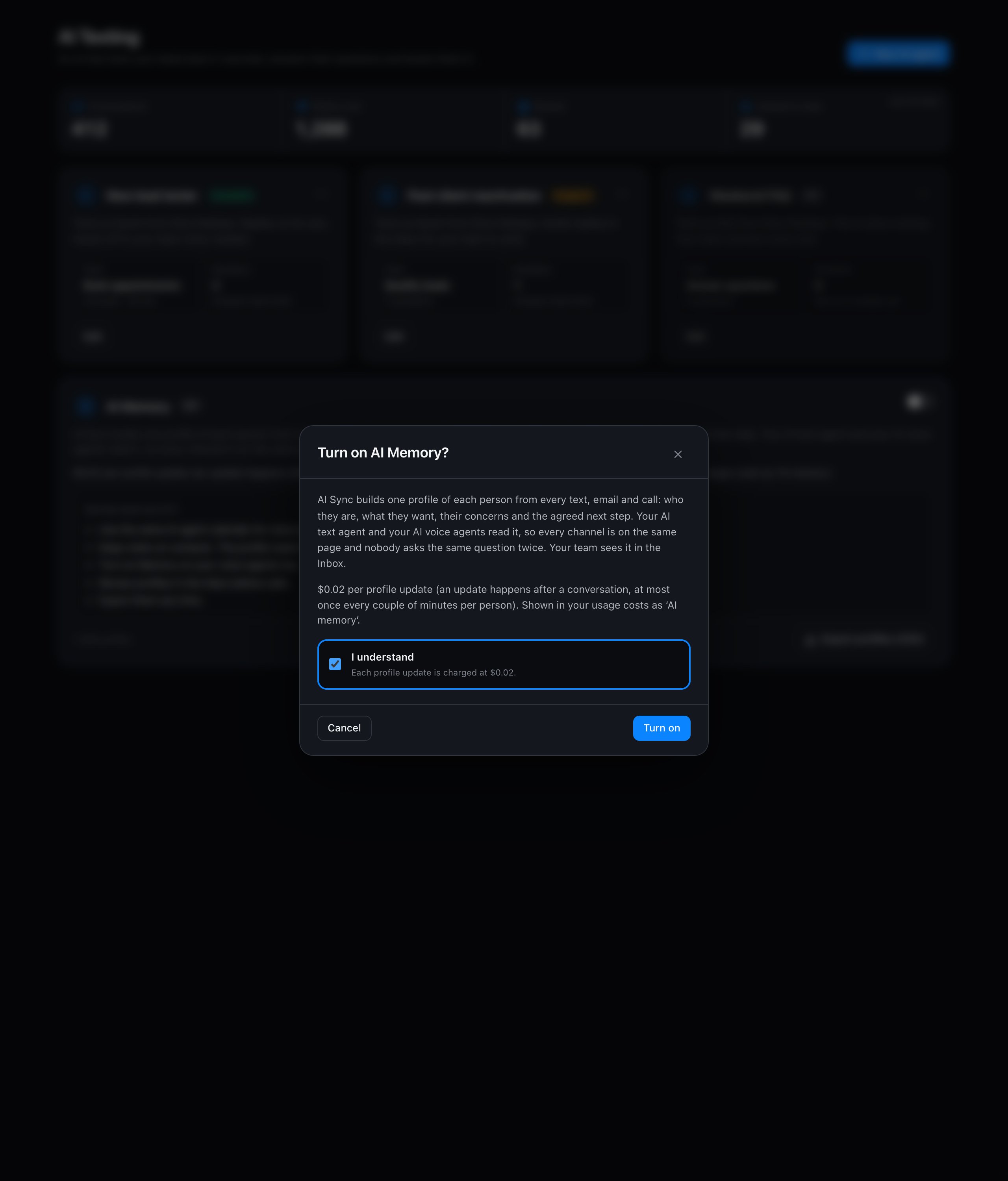
Profiles are built after conversations (at most once every couple of minutes per person), so they stay current without you doing anything.

Get the most out of it

  • Turn on Memory on your AI voice agents too, so calls start with the profile.
  • Keep notes on contacts. The profile reads them.
  • Use the same calendar for voice and text agents.
  • Read the profile in the Inbox before calling someone back.

Export

Click Export profiles (CSV) at any time to download every profile as a spreadsheet.

Turn it off

Switch it off at any time. New profiles stop being built and agents stop reading them. Existing profiles are kept and can still be exported.

Costs

Each profile update is billed as AI memory update in your usage costs.