Get dialing is the page you land on after sign-up. It shows what is done, what to do next, and nothing else. On the AI Sync Network most of it is already done for you.
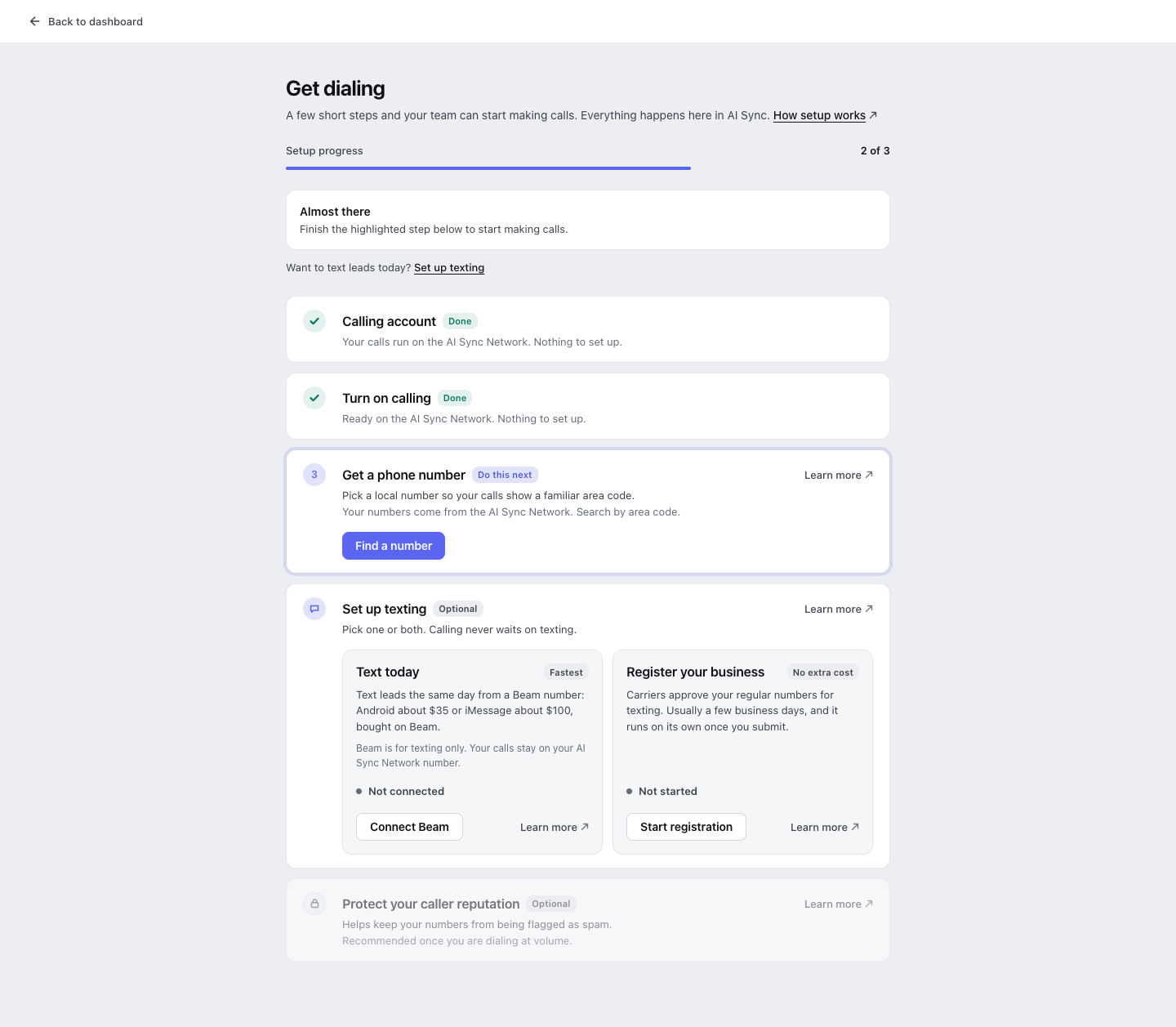
What you'll see#
| Step | What it means | What you do |
|---|---|---|
| Calling account | Your calls run on the AI Sync Network. | Nothing. It shows Done. |
| Turn on calling | The voice connection is ready. | Nothing. It shows Done. |
| Get a phone number | You need one number to call from. | Click Find a number. |
| Set up texting | Optional. Calling never waits on it. | Pick one or both texting options, or skip it. |
| Protect your caller reputation | Optional. Helps stop "Spam Likely" labels. | Turn it on once you call at volume. |
The bar at the top counts only the steps you need to call. When it is full you see You're ready to dial and an Open the dialer button.
Step by step#
Calling account and Turn on calling: done for you
There is no login to paste and no account to connect. Both steps say Done with "Nothing to set up."
Get a phone number
Click Find a number, type an area code, pick a number and buy it. Numbers cost $1.00 per number per month.
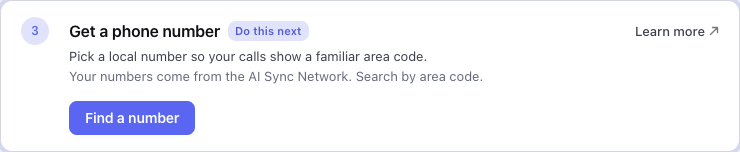
Full guide: AI Sync Network numbers.
You're ready to dial
As soon as you own one number, the banner turns green. Click Open the dialer and make your first call.

Set up texting (optional)
Want to text leads too? You have two choices, and you can use both:
- Text today with Beam: text the same day from a number you buy on Beam.
- Register your business: carriers approve your regular numbers for texting. No extra cost, takes a few business days.
See Set up texting to choose.
Every open step has a Learn more link in its top right corner. It opens the matching help page in a new tab, so you never lose your place.
Good to know#
- Only the account owner sets this up. Reps who open Get dialing are sent to the dialer.
- The page refreshes itself while something is in review, so you can leave it open.
- Prefer to ask instead of click? Your AI assistant can do all of this by chat. See Carrier setup by chat.
If something looks wrong#
"We couldn't load your setup"
The page could not reach your account for a moment. Your settings are safe. Click Try again.
I see "Connect your calling account" and fields for an Account SID
Your account uses its own carrier login instead of the AI Sync Network. Paste your Account SID and Auth Token there, or ask support to move you to the AI Sync Network.
The number step says a number is retired
Some older numbers can no longer place calls. Click Review numbers and pick a new one.