Open Platform numbers from your platform account to review the number inventory.
Choose a Company, Provider or Call volume filter. To find an area code, region or city, choose Search by, enter a value and select Search. Use Search table to narrow the results further.
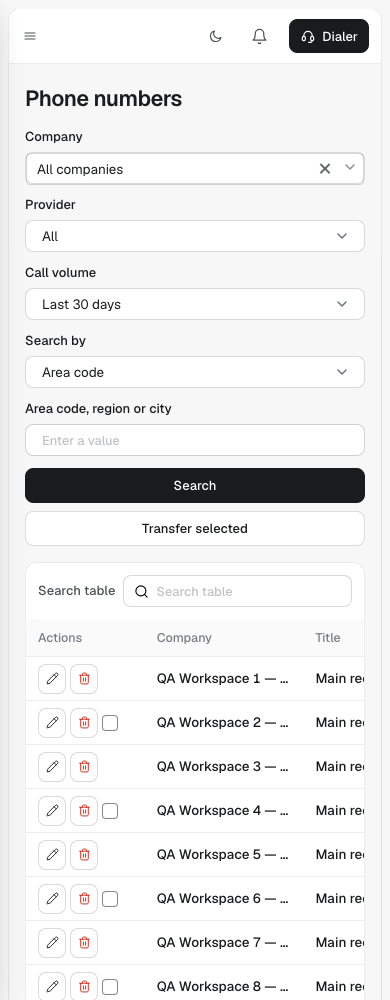
Scroll within the table to reach the remaining columns. Use the page controls below the table to browse results. Edit and Delete are in each row's Actions column.
Edit opens the existing title, status, 10DLC and use settings. Select Save changes to save them or Cancel to return to the list. Delete asks for confirmation before removing the record.
To move eligible numbers, select their checkboxes, choose Transfer selected, then choose the destination company. Transfer moves the selected numbers to that company; Cancel leaves them where they are.